
INP replaced FID. Three thresholds tightened. Your site might have been fine in 2024 and underperforming now without anyone noticing. Here’s what to check this week.
Most businesses still think page speed means “the homepage loads fast.”
Google moved past that years ago.
Core Web Vitals 2026 focuses far more heavily on interaction responsiveness, visual stability, and real-user experience under actual browsing conditions — not just synthetic test scores.
That shift matters because many websites that technically “passed” before are quietly failing now.
Especially WordPress sites overloaded with builders, plugins, tracking scripts, chat widgets, heatmaps, and third-party JavaScript.
The result:
- slower interactions
- higher bounce rates
- weaker page experience signals
- reduced conversion efficiency
The good news: most Core Web Vitals problems are not random. A handful of structural fixes usually recover the majority of lost performance.
What Changed: INP Replaces FID
Google officially replaced First Input Delay (FID) with INP — Interaction to Next Paint.
This is not a cosmetic metric change.
FID measured only the delay before a browser started processing an interaction.
INP measures the full interaction lifecycle:
- input delay
- processing time
- visual update completion
Why INP is harder to pass
Many websites previously looked “fast” because FID ignored slow rendering after the interaction started.
INP exposes that weakness immediately.
A button click that visually updates 600ms later now counts as poor responsiveness.
This hits JavaScript-heavy websites especially hard.
Google’s own INP documentation explains why interaction responsiveness is now a central ranking and usability consideration.
Most websites do not have a hosting problem. They have a JavaScript execution problem.
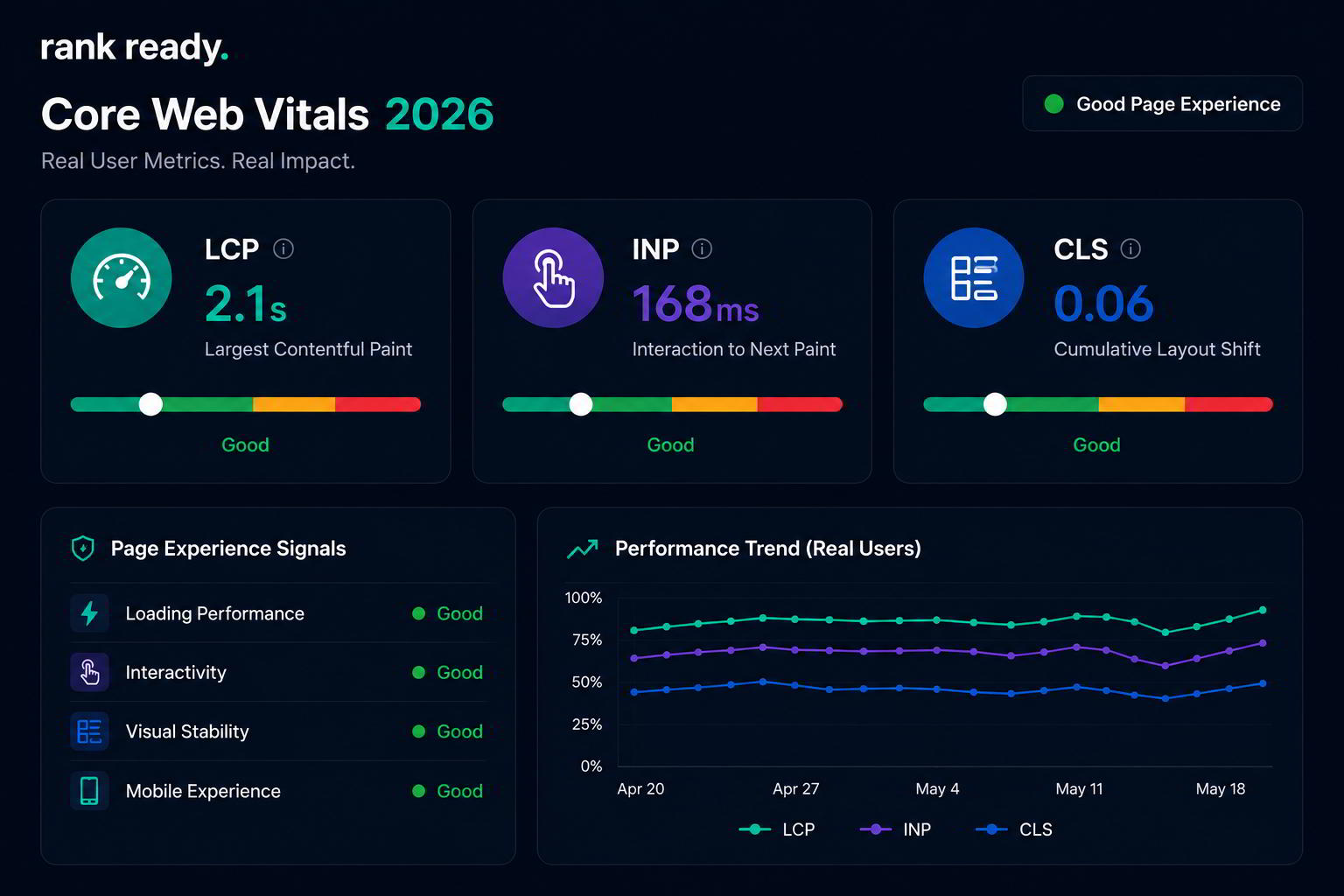
The Core Web Vitals 2026 Thresholds
The current targets are stricter than many teams realize.
LCP — Largest Contentful Paint
Target:
- Good: under 2.5 seconds
- Needs Improvement: 2.5–4 seconds
- Poor: over 4 seconds
LCP measures how quickly the largest visible element loads.
Usually:
- hero images
- large banners
- headline blocks
INP — Interaction to Next Paint
Target:
- Good: under 200ms
- Needs Improvement: 200–500ms
- Poor: over 500ms
INP evaluates responsiveness during actual user interactions.
CLS — Cumulative Layout Shift
Target:
- Good: under 0.1
- Needs Improvement: 0.1–0.25
- Poor: over 0.25
CLS measures unexpected layout movement while the page loads.
Most layout-shift problems come from:
- unreserved image dimensions
- fonts swapping late
- ads loading unpredictably
- dynamic embeds
These page experience signals increasingly affect both rankings and conversion behavior.
Why Most Sites Fail INP
The majority of poor INP scores come from the same issue:
Too much JavaScript blocking the main thread.
Modern websites load enormous amounts of frontend code:
- tracking scripts
- chat widgets
- A/B testing tools
- analytics platforms
- animations
- builders
Every one of those competes for browser execution time.
The fix helping 80% of sites
Reducing unused JavaScript often produces the largest immediate INP improvement.
We regularly audit websites where:
- 60–70% of loaded JavaScript never executes meaningfully
- third-party scripts consume more processing time than the site itself
- frontend builders inject unnecessary interaction overhead
This is one reason our website design systems prioritize lean frontend architecture instead of bloated theme stacks.
Fix #1: Defer Non-Critical JavaScript
Not all JavaScript needs immediate execution.
Most websites load everything at once.
That creates unnecessary competition during the most performance-sensitive rendering phase.
Scripts usually safe to defer
- heatmaps
- live chat widgets
- social embeds
- review sliders
- secondary analytics tools
Deferring non-essential scripts often improves both:
- LCP
- INP
Sometimes dramatically.
One audit we ran reduced interaction latency by nearly 38% simply by delaying secondary marketing scripts until after primary rendering completed.
Fix #2: Optimize Main-Thread Work for Interactions
The browser main thread is where interaction responsiveness lives or dies.
If it is overloaded, user interactions lag.
Common main-thread bottlenecks
- heavy animation libraries
- massive DOM structures
- unoptimized sliders
- large JavaScript bundles
- frontend frameworks loading excessively
Many WordPress websites fail here because plugins continuously inject frontend assets.
Especially page builders.
Reducing long JavaScript tasks below 50ms often creates measurable INP improvement very quickly.
That matters because interaction delays affect both SEO and conversions directly.
Users do not care whether your Lighthouse score is 94 or 97. They care whether the site feels fast when they tap something.
Fix #3: Stabilize CLS — Fonts, Images & Ads
CLS problems feel small during development.
They feel terrible to users.
Especially on mobile.
The biggest CLS offenders
- images without dimensions
- late-loading web fonts
- dynamic ad containers
- popups shifting layout
- lazy-loaded embeds
Most layout-shift issues are predictable and preventable.
Fixes usually include:
- reserving image dimensions
- using font-display strategies
- preloading critical assets
- stabilizing dynamic containers
CLS is one of the most visible user-experience failures because visitors physically see the interface jump during use.
Fix #4: LCP — Server Response & Critical Resource Priority
LCP problems often begin before rendering even starts.
Slow server response times create cascading delays across everything else.
The most common LCP bottlenecks
- slow hosting
- uncached database queries
- oversized hero images
- render-blocking CSS
- poor CDN configuration
Critical resources should load first.
Not compete equally with secondary assets.
Prioritizing:
- hero images
- critical CSS
- primary fonts
- above-the-fold rendering assets
usually creates immediate LCP improvements.
Many websites accidentally prioritize tracking scripts over visible content.
That is backwards.
Fix #5: Run Real-User Monitoring (RUM), Not Just Lab Tests
Most teams rely too heavily on synthetic testing.
Lab tests help diagnose problems. They do not represent actual users fully.
Why RUM matters
Real-user monitoring tracks:
- actual devices
- real network conditions
- true interaction behavior
- regional performance differences
A site performing well on a developer laptop may perform terribly on mid-range mobile devices under slower connections.
That gap matters.
Especially because Google increasingly relies on field data from Chrome User Experience Reports.
Real-world data is now far more important than isolated synthetic benchmarks.
How to Check Core Web Vitals Right Now
The fastest place to start is Google PageSpeed Insights.
Check:
- homepage
- top landing pages
- high-traffic blog posts
- conversion pages
Look specifically for:
- INP failures
- render-blocking resources
- unused JavaScript
- CLS instability
- slow server response
Most sites do not have 50 different performance problems.
They usually have 3–5 structural bottlenecks causing most of the damage.
Our breakdown of SEO bottlenecks found during audits shows how technical constraints quietly suppress rankings and conversions long before traffic collapses completely.
The Fastest Sites Usually Remove More Than They Add
Modern performance optimization is less about adding “speed plugins” and more about reducing unnecessary frontend complexity.
Less JavaScript.
Less render blocking.
Less interaction overhead.
The websites pulling ahead in Core Web Vitals 2026 are not winning because they found secret settings.
They are winning because the build itself is cleaner.
Faster interactions. Stable layouts. Prioritized rendering. Lean frontend architecture.
That compounds across SEO, UX, and conversion rates simultaneously.
If Core Web Vitals is the bottleneck, the fix usually touches the build itself — not just surface-level optimizations. Our SEO audit service evaluates CWV against the current 2026 thresholds, identifies the highest-impact bottlenecks, and prioritizes the 3–5 fixes that typically recover the majority of lost performance without wasting development cycles.

0 Comments